Find the search terms burning your budget before Google spends another week on them
A $27 kit that installs an AI media buyer on your own machine. It reads your Google Ads account, ranks every campaign by spend, and lists the exact search terms that took your money and returned nothing. Read only, so it can never touch a bid.
Weekly Google Ads Audit
Any day you run it- Emergency Callouts | SearchSCALE
- Service Plans | SearchHOLD
- General | PMaxCUT
Search terms burning money
Every term that spent and never converted, with the amount attached. Ready to become negative keywords.
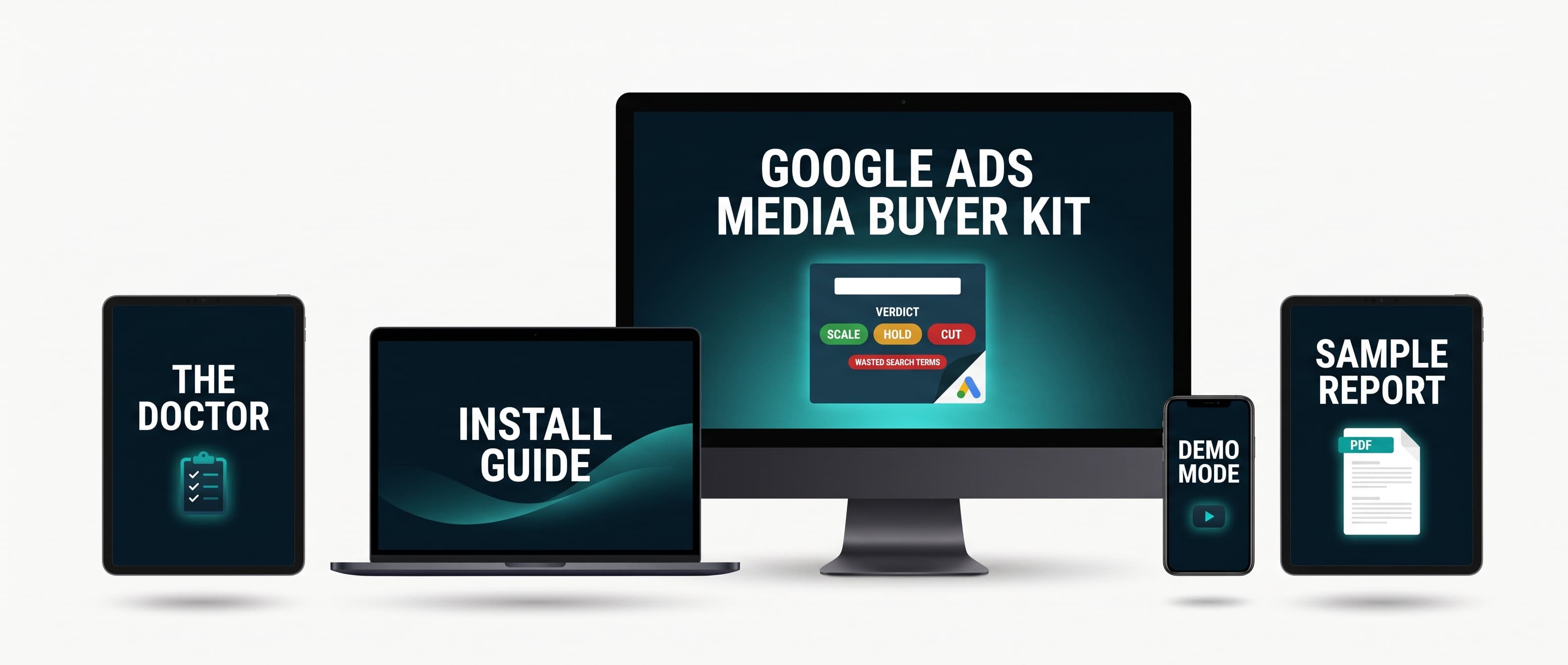
Illustration of the report structure. Download the real sample below.
Your Google Ads account
read onlyThe pull
Scoring in plain code
Scale, hold or cut
Wasted search terms named
Capped winners flagged
Claude writes the read
A branded PDF in your inbox
One command runs the whole media buyer
This is the entire machine, your account in, a verdict report out. The code contains read queries and nothing else. Open it and check, there is no write call in it to misfire.
Three steps and the machine is yours
Download, unzip, see the demo
One install command, then npm run demo renders a full sample report from demo data before you touch any Google setup. You see the end result in minute one.
Connect your Google Ads account
The guide walks the whole Google access chain click by click, requesting your developer token included, and the built in doctor tells you in plain language which step is not done yet.
Run it whenever you want
One command, as often as you like. The PDF lands in your reports folder, and with your email details filled in it lands in your inbox too. The guide shows how to schedule it weekly.
Read a real report before you spend a cent
This is the actual PDF the kit produces, campaign verdicts, wasted search terms and the written read included. Judge the product on its output.
You risk nothing
The keep the kit guarantee
Read your first report. If it tells you nothing new about your account, reply to that email and I send the $27 back. You keep the kit and everything in it.
Install the AI media buyer that names the search terms eating your Google budget
The full audit pipeline, the same engine that reads a real ad account today
An install guide written for non developers, with the whole Google API walkthrough
The doctor, a setup checker that walks the access chain and says in plain language which step is missing
A demo mode that renders a complete sample report before any Google setup, so you see the output in minute one
A branded PDF clean enough to forward straight to a client, with your own logo on it if you want
Email delivery, so every run lands the verdicts in your inbox instead of tabs in the Google Ads UI
The Google Ads Media Buyer Kit
$27
One payment. Yours forever. The sample report is on this page, your version runs on your numbers.
Secure payment via Stripe. Instant download. The demo report renders the minute you install, before any Google setup at all.
Covered by the keep the kit guarantee
Asked before buying
Do I need to be able to code?
No. You follow a guide, paste keys into one file, fill in your numbers and run one command. The demo report works before any of that. If you get stuck, the Install It With Me call exists.
Can it change anything in my ad account?
It cannot. The code contains read queries and nothing else, no pause, no budget change, no bid change. It is plain code you can open and check, and the report itself lists what it is allowed to do.
How long does the Google API access take?
Your own setup takes under an hour. Reading a real account also needs Basic access on your developer token, which you request with one form and Google approves on their own timetable, typically a few business days. The demo works immediately and the doctor tells you the moment your token is through.
What does it cost to run?
The kit is yours forever after the $27. The AI narrative uses your own Claude API key and a report costs cents to generate. Skip the key and the numbers and verdicts still work.
I run client accounts. Does this work for that?
Yes, and agencies are who the manager account setup fits best. Point it at any account linked under your manager account, put that client's economics in the context file, and the report judges on their numbers.
Do I need a manager account?
You need one to hold the developer token, because Google only issues those inside manager accounts. Creating one is free and takes two minutes, and the guide covers it. If you already run an agency MCC you are ahead of the game.
My account runs in another language. Does the report?
Set the language in the config and the report translates campaign names and search terms for you, while negatives are always built from the original query your customer actually typed.